luigi Mobile App
Mobile-first access differs from desktop browsing in speed, convenience, and offline capability. We at luigi offer our platform via Android APK download, iOS browser access, and responsive web app—each path optimised for on-the-go use. Whether you are in Jakarta, Surabaya, Bandung, or Medan, our mobile experience lets you access Liga 1 markets, live-dealer tables, slot games, and esports coverage without installing bloatware or waiting for app-store approval.

- and
- SHA256 Match
- DownloadAPK
Our Android APK is a direct download from our platform—no Google Play Store intermediary. This means faster updates, no store review delays, and full control over your installation. iOS users access luigi through a mobile-optimised browser or web app, which works seamlessly on Safari and other browsers. Both paths support DANA, e-wallet, mobile banking, local payment, online payment, e-wallet, and bank virtual accounts (mobile banking, local payment, online payment, e-wallet) for deposits and withdrawals.
We at luigi prioritise mobile security, data efficiency, and account verification on smaller screens. Our app caches game data locally to reduce bandwidth, supports push notifications for live-match updates and withdrawal confirmations, and encrypts your login credentials. Installation takes minutes; account setup and KYC verification follow standard steps. This page walks you through download, installation, and first-session setup.
Download and Installation Paths
We offer three ways to access luigi on mobile. Android users can download our APK directly from our website—no app store required. iOS users can add our web app to their home screen or use Safari to access the full platform. Web-app users on any device (Android, iOS, Windows Phone) can bookmark our mobile site and access it like a native app. Each path provides the same game library, payment options, and account features.
-
Download the APK or open the web app
Android: visit our website and tap the APK download link. iOS: open Safari and bookmark our mobile site, or tap "Add to Home Screen" to create a web-app shortcut.
-
Allow installation from unknown sources (Android only)
Go to Settings → Security → Unknown Sources and enable it. This allows your device to install apps outside the Google Play Store.
-
Complete account registration and KYC
Open the app or web app, create your account with email and password, and upload identity documents for verification. This step is required before you can deposit or play.
-
Make your first deposit and start playing
Choose a payment method (DANA, e-wallet, mobile banking, local payment, or bank VA), deposit funds, and browse our sportsbook, live-dealer tables, slots, or esports markets.
App vs Browser: Strengths and Trade-offs
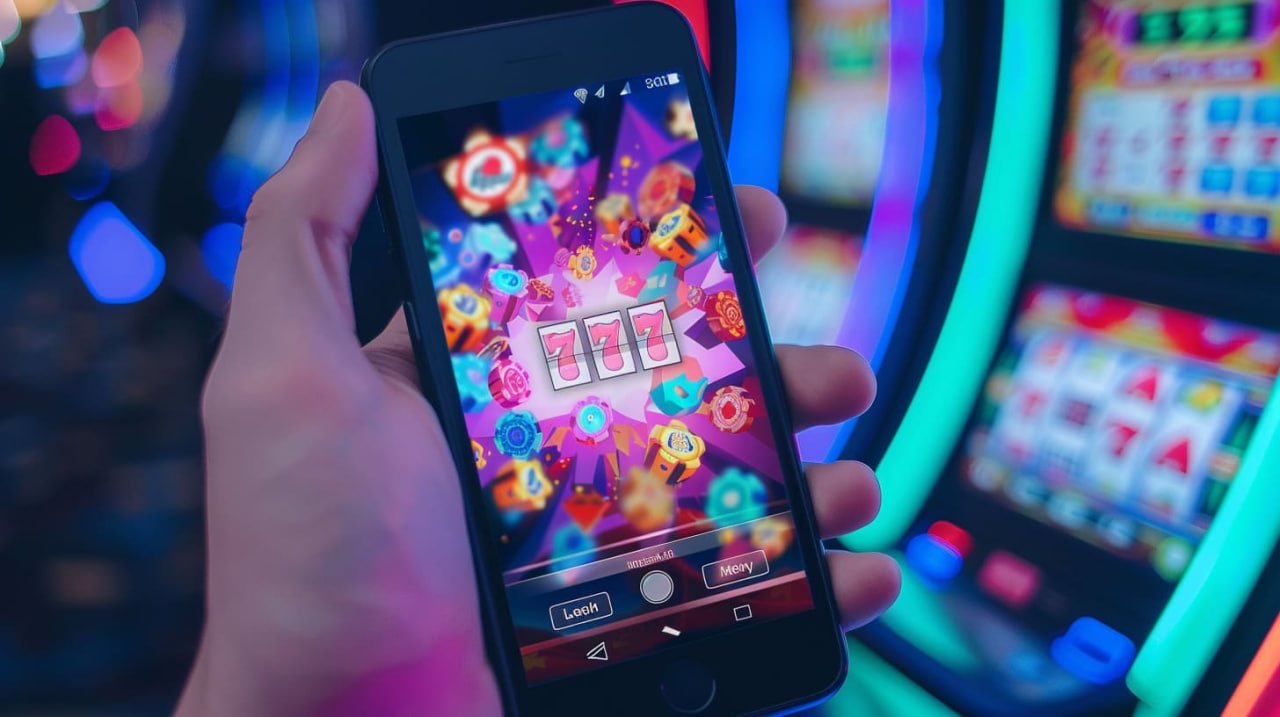
Our Android APK app offers offline caching—game data and account info are stored locally, so you can browse markets even without internet. Push notifications alert you to live-match starts, withdrawal confirmations, and bonus credits. The app also loads faster than a browser because it skips the web-rendering step. However, the APK requires manual updates; you must download and install new versions from our website. The iOS web app and browser access require no installation but depend on your internet connection and browser performance. Both paths are equally secure; we use the same encryption and authentication for app and browser users.
Device Compatibility and Requirements
Our Android APK requires Android 7.0 or later. Most devices released in the past five years meet this requirement. iOS users need iOS 12.0 or later to access our web app and browser experience. We support all modern browsers—Safari, Chrome, Firefox, Edge—on both platforms. If your device is older or runs an unsupported OS version, you may experience compatibility issues. Contact our support team if you encounter problems on your specific device.
Common Installation Issues and Solutions
Android users sometimes see a warning that the APK is from an unknown source. This is normal and expected—we are not on the Google Play Store. To proceed, go to Settings → Security → Unknown Sources and enable it. Your device will then allow the installation. Some devices also show a certificate-trust warning; this is a security check and is safe to dismiss if you downloaded the APK directly from our website. If you downloaded the APK from a third-party site, do not install it—always download from our official platform. iOS users may see a prompt to trust the web app; tap "Trust" to proceed. If the web app does not load, clear your browser cache and try again.

Data, Permissions, and Account Security
Our Android APK requests permissions to access your device's storage (for document uploads during KYC), camera (for identity-document photos), and internet connection. We do not access your contacts, messages, or other personal data. Your login credentials are encrypted and stored securely on your device. We at luigi use industry-standard SSL encryption for all data transmitted between your device and our servers. Your account is protected by two-factor authentication (2FA) if you enable it. Never share your password or 2FA codes with anyone. If you suspect your account has been compromised, change your password immediately and contact our support team.
We at luigi prioritise mobile security and data privacy across all platforms—app, browser, and web.
Getting Started: Your First Session
Once your account is verified and your first deposit is confirmed, you can explore our full game library. Our sportsbook covers Liga 1, Piala AFF, Piala Indonesia, Champions League, Premier League, MotoGP, and badminton. Our live-dealer studios offer blackjack, roulette, baccarat, and Dragon Tiger with real dealers and multi-camera feeds. Our slots include Sweet Bonanza, Gates of Olympus, Fortune Tiger, Mahjong Ways, and Aviator. Esports markets cover Mobile Legends, Free Fire, and PUBG Mobile. Browse by category, set your preferred odds format, and start exploring. Our support team is available if you have questions about any game or feature.
Support and Troubleshooting
We at luigi provide English-language support for app and browser users. If you encounter crashes, login errors, payment failures, or game glitches, contact our support team through the in-app help menu or via our website. Describe the issue, your device model, and your OS version so we can assist quickly. We also maintain a FAQ section covering common questions about installation, account setup, deposits, withdrawals, and game rules. Our services are available only where local law permits; verify that access complies with your jurisdiction's regulations before opening an account.